Wallpaper Setter (S)1.6.2
Publisher Description
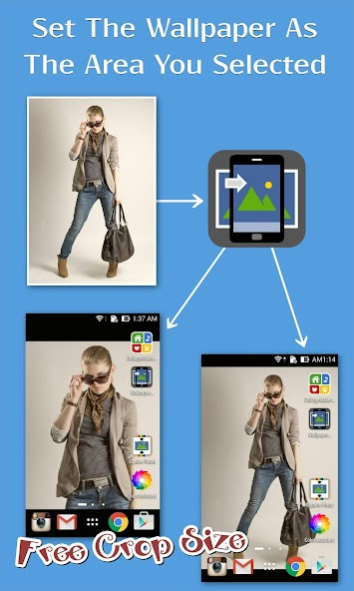
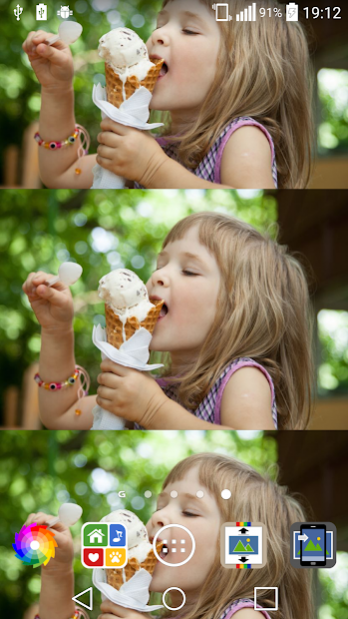
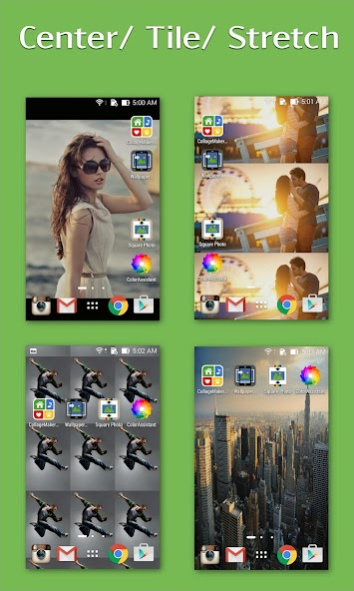

[Note]
This app is exactly the same as our another app "Wallpaper Setter." Just add one more permission requested, "WRITE_SETTINGS", needed in some devices for setting wallpaper.
Since some malicious apps may use this permission to penetrate the user's device, to avoid users with security considerations from being afraid to install our app, we create this app for those users who's devices need this permission to set wallpaper.
____________________________________________________________________
1. [Image to wallpaper] =================
Easy way to set your full image as your wallpaper without cropping.
Most wallpaper style for selection, including Center / Tile / Stretch.
2. [Color to wallpaper] ==================
Both simple "Monochromatic color" and romantic "Gradient colors" are supported to set as wallpaper.
3. [Collage to Wallpaper] ================
It support you to show multiple photos on your wallpaper.
This app could help you combine multiple images to a collage and set it as your wallpaper.
Thanks for your appreciation.^_________^
About Wallpaper Setter (S)
The company that develops Wallpaper Setter (S) is Bringe. The latest version released by its developer is 1.6.2.
To install Wallpaper Setter (S) on your Android device, just click the green Continue To App button above to start the installation process. The app is listed on our website since 2023-02-26 and was downloaded 3 times. We have already checked if the download link is safe, however for your own protection we recommend that you scan the downloaded app with your antivirus. Your antivirus may detect the Wallpaper Setter (S) as malware as malware if the download link to com.surmin.wps is broken.
How to install Wallpaper Setter (S) on your Android device:
- Click on the Continue To App button on our website. This will redirect you to Google Play.
- Once the Wallpaper Setter (S) is shown in the Google Play listing of your Android device, you can start its download and installation. Tap on the Install button located below the search bar and to the right of the app icon.
- A pop-up window with the permissions required by Wallpaper Setter (S) will be shown. Click on Accept to continue the process.
- Wallpaper Setter (S) will be downloaded onto your device, displaying a progress. Once the download completes, the installation will start and you'll get a notification after the installation is finished.
Program Details
System requirements
Download information
Pricing
Version History
version 1.6.2
posted on 2023-02-26
Fix the issue happened in devices with Android 13.
version 1.6.0
posted on 2022-03-10
1. Fix the user feedback issues.
version 1.5.1
posted on 2020-07-04
1. Update for new Android version.
version 1.5.0
posted on 2020-03-30
1. Regular update to fix some small bugs and improve the performance.
version 1.4.6
posted on 2019-12-09
1. Modify some items to fit the requests of the new version of the Android system.
version 1.4.1
posted on 2019-09-14
1. Update to the Kotlin version.
version 1.1.5
posted on 2016-12-21
2016/12/22 Version 1.1.5,1. Fix the force close issue.,2016/12/21 Version 1.1.4,[Lock Screen Wallpaper],(1). More devices supported.,(2). To cover the development cost, change the function of setting lock screen wallpaper for pro-version only.,2016/06/14 Version 1.1.3,1. One bugs fixed.,2. Add the collage functions of "lite version" back.,2016/05/16 Version 1.1.2,1. Support to upgrade to the pro-version.
